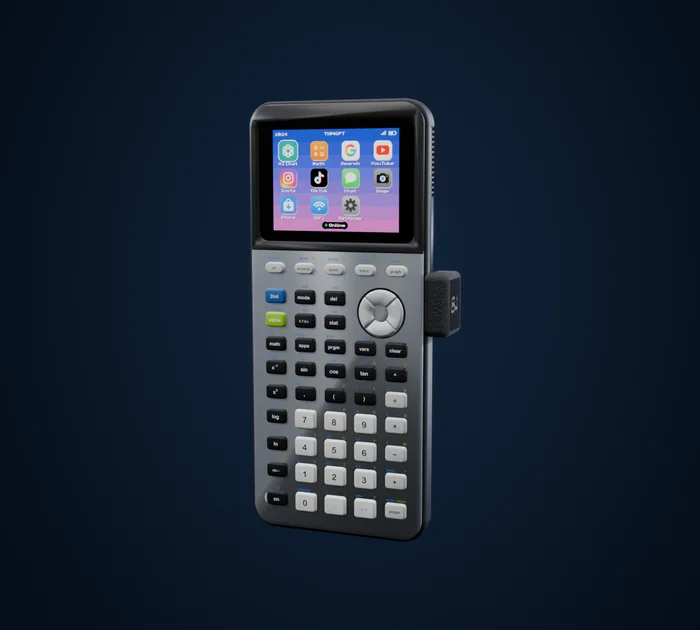
 84GPT
Can you watch YouTube on a TI-84?
Not on its own. The TI-84 Plus CE has no internet connection and no speaker. With a WiFi dongle like 84GPT plugged into its USB port, you can search YouTube with the calculator's keys and play videos full screen on its color screen, without sound.
Why a calculator can't do it by itself
- No internet. The TI-84 Plus CE has no WiFi or Bluetooth. Its only connection is a USB port, for computers and other calculators. More on the TI-84 and WiFi.
- No speaker. There's nothing to play sound through, so any video on a TI-84 is silent.
- Very little storage. About 3 MB for your own files, smaller than a single minute of normal video.
The screen is the one part that's up to it: the CE has a 320 by 240 color screen, the same size as early iPods.
What people have done before
The calculator community has played very short clips by shrinking them on a computer and storing them on the calculator, such as the famous Bad Apple demo. It's a fun project, but you have to prepare each clip in advance, it has to fit in the calculator's memory, and there's no searching or picking what to watch.
Which TI-84 models can show video
Only the color ones: the TI-84 Plus CE and the TI-84 Plus CE Python. The older TI-84 Plus and TI-84 Plus Silver Edition have small black-and-white screens and far less memory.
How it works with 84GPT
84GPT is a small WiFi dongle that plugs into the calculator's USB port, and an app with a home screen of apps, YouTube included.

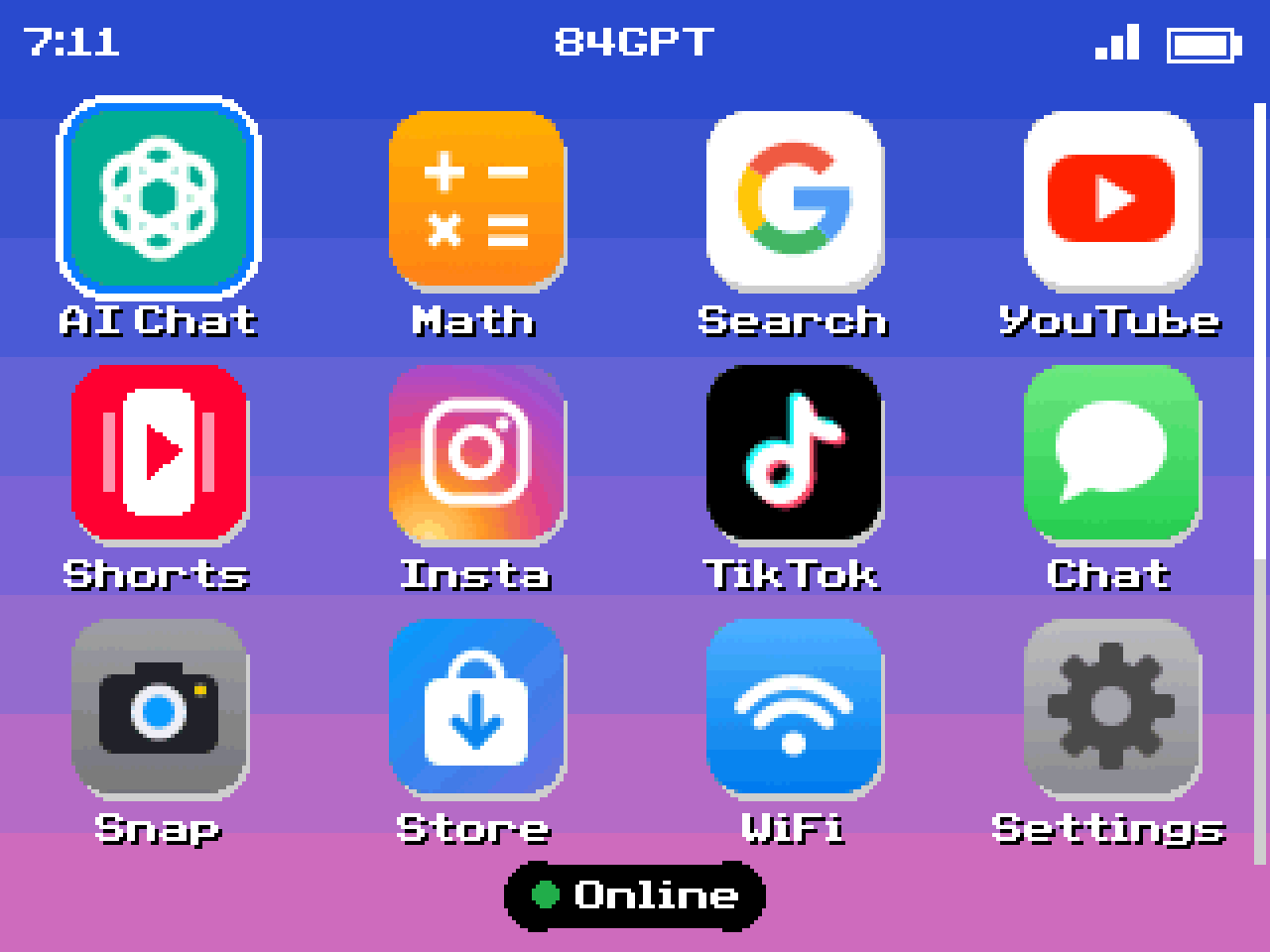
Search by typing with the calculator's keys.
Pick a video from the results. Each one has its own page with the channel, views and likes.
Watch it full screen. The video is converted for the calculator's screen online and sent through the dongle. Shorts scroll with the arrow keys.
Be ready for two things: there's no sound, because the calculator has no speaker, and the picture is smoother than you'd expect from a calculator but not as smooth as a phone.