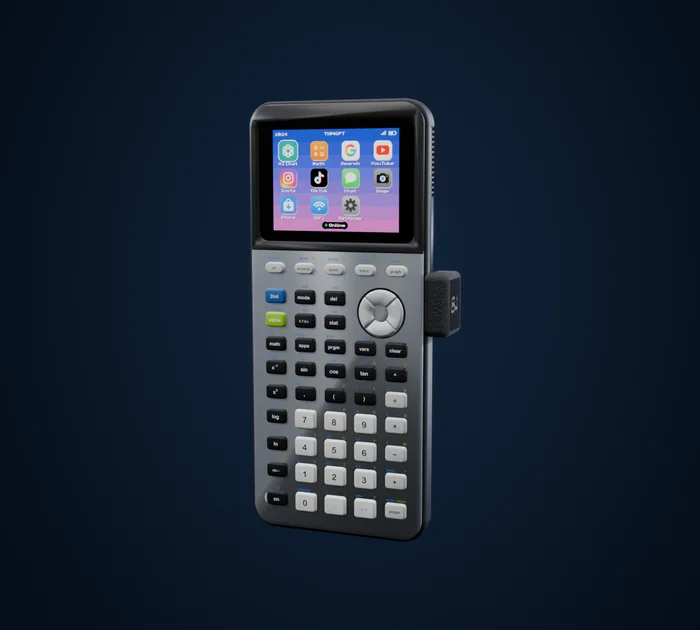
 84GPT
How to put games on a TI-84 Plus CE
Download the game on a computer, send it to the calculator with TI Connect CE over USB, and add the free CE C libraries if the game needs them. On OS 5.5 and newer, C and assembly games also need the free arTIfiCE tool to run. With 84GPT you skip all of that: open the Store on the calculator and press Get.
What you need
- A TI-84 Plus CE, including the Python edition. The older black-and-white TI-84 Plus uses different games.
- The USB cable that came with the calculator.
- A computer with TI Connect CE, Texas Instruments' free app for Windows and Mac.
Step by step, the usual way
Check your OS version
Press 2nd then mem (above the + key) and choose About. The version number matters in step 5.
Download a game
The two big libraries are Cemetech (cemetech.net, under Downloads) and ticalc.org. Pick a game made for the TI-84 Plus CE. It comes as a
.8xpfile, sometimes with.8xvfiles for its graphics and levels.Get the CE C libraries, once
Most modern games are written in C and need the free CE C libraries (a file called
clibs.8xg, from the CE-Programming project on GitHub). If a game says "Need libLoad" when you run it, this is what's missing.Send the files
Plug the calculator in, open TI Connect CE, and drag the game and its files into the calculator. Send them to Archive if it asks: archived files survive a RAM clear.
Run it
TI-BASIC games run on any OS: press prgm, pick the game and press enter.
C and assembly games on OS 5.5 or newer need one more thing. Texas Instruments removed the built-in way to run them in OS 5.5, so the calculator community made arTIfiCE, a free tool on Cemetech that opens them again. Follow the steps on its page; most people also install the Cesium shell, which lists every game in one menu.
On OS 5.4 and older, run C games with
Asm(prgmNAME)from the catalog.
If a game won't start
- "Need libLoad" or "Missing library": send
clibs.8xgfrom step 3. - "ERR: INVALID" or nothing happens on OS 5.5 or newer: it's a C or assembly game, so run it through arTIfiCE or Cesium.
- The game disappeared: it was in RAM, and a reset or a battery change cleared it. Send it to Archive next time.
- "Memory full": archive or delete other programs from 2nd mem, Mem Management.
The easy way: install from the calculator
With 84GPT, the calculator has its own Store. Open it, press Get, and the game installs over WiFi, with any libraries it needs. Updates take one press, and big games that don't fit in RAM still install.
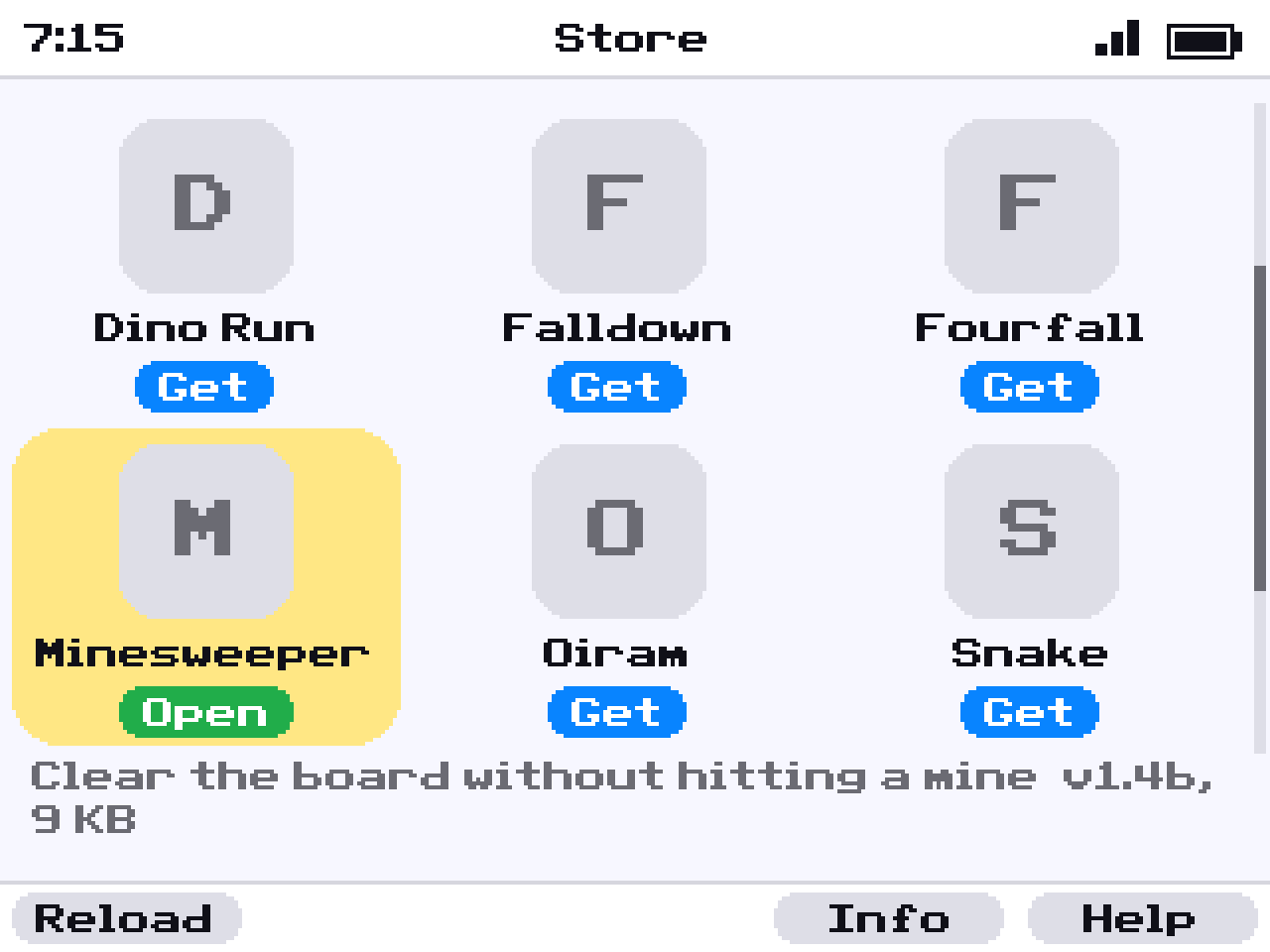
You still need a computer once, to put the 84GPT app on the calculator; its setup guide walks you through it. After that, no cable and no computer. See what's in the Store.
Are games allowed at school?
That's up to your school, so check its rules. In Press-to-Test mode the calculator blocks programs and games for the test, and they come back when the test mode ends.