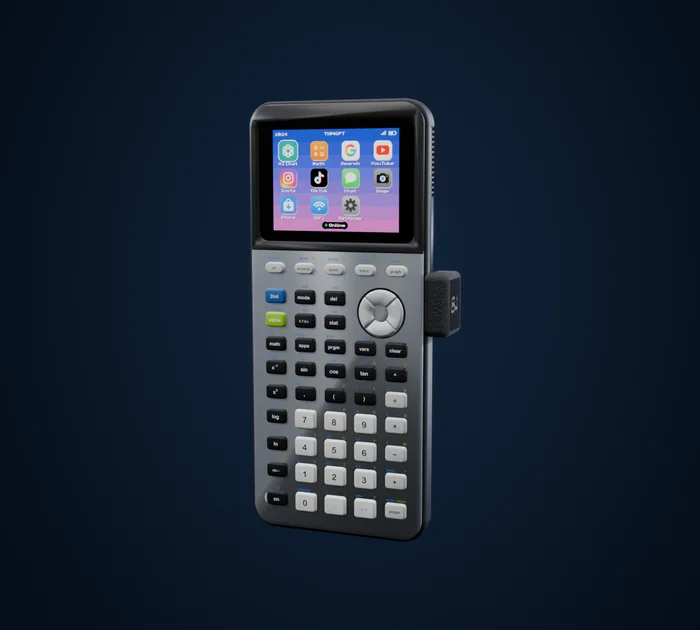
 84GPT
Does the TI-84 Plus CE have WiFi?
No. The TI-84 Plus CE has no WiFi or Bluetooth, only one USB port. Texas Instruments' own add-ons use that port for classroom projects but don't put the calculator online. To get it online, plug a WiFi dongle like 84GPT into the USB port.
What's inside the TI-84 Plus CE
- One USB port, on the side. It's how the calculator talks to a computer, to another calculator, and to Texas Instruments' classroom add-ons.
- No wireless at all: no WiFi, no Bluetooth.
- The older link port is gone. Earlier TI-84 models also had a small round link socket; the CE dropped it.
Texas Instruments' TI-Innovator Hub connects through the same USB port so students can program lights, motors and sensors. It doesn't connect to the internet.
How a WiFi dongle works
A WiFi dongle is a tiny board with its own WiFi chip, in a case that plugs into the calculator's USB port. The calculator powers it, an app on the calculator talks to it over USB, and the dongle does the WiFi part.
84GPT is one of these. It sticks out 10 mm from the side of the calculator, has a sealed shell with nothing to charge, and updates itself over WiFi.
Setting up WiFi with 84GPT
Plug the dongle in. It fits the calculator's USB port and draws its power from the calculator.
Join WiFi from your phone. Join the network called 84GPT-Setup, pick your own WiFi and type its password. You only do this once.
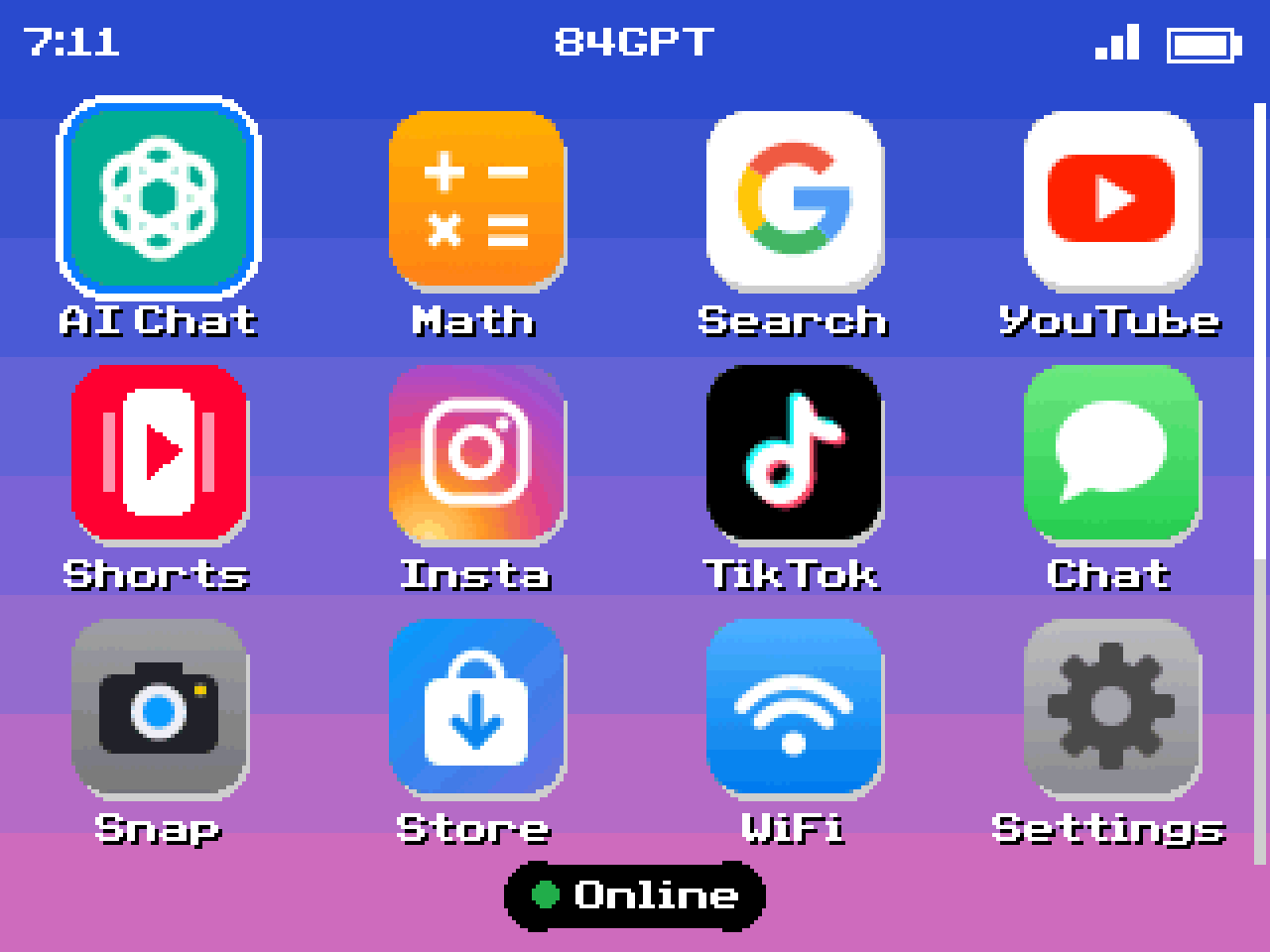
Open 84GPT on the calculator. It shows Online on the home screen once it's connected.
Good to know
- 2.4 GHz WiFi. Most home routers offer it. On an iPhone hotspot, turn on Maximize Compatibility so the dongle can see it.
- WiFi that makes you sign in on a web page, common at schools, hotels and cafes, may not work. A phone hotspot is the easy way around it.
- Battery. The dongle runs off the calculator's battery, so you'll charge the calculator more often while you use it.